One API for 3D & image generation — and everything after.
Generate with leading engines, then remesh, retexture, rig, and export — all on the same asset, through one async REST API. Built for apps, asset pipelines, and AI agents.
Self-serve — any account with a paid subscription or a completed credit-pack purchase can mint a key in the dashboard. No access request needed.
# Generate a 3D model from an image
curl -X POST https://api.picoberry.ai/v1/models/from-image \
  -H "Authorization: Bearer pb_live_xxx" \
  -H "Content-Type: application/json" \
  -d '{"imageUrl":"https://…/ref.png","engine":"tripo"}'

# → returns an asset id; poll until it's ready
{ "success": true, "data": {
    "id": "019f3a39-0db2-…",
    "taskStatus": 0,
    "type": "model_3d"
} }More than a single 3D model endpoint.
Skip wiring up five separate generation APIs. Get one integration for creation, refinement, and delivery — the reason to route through PicoBerry instead of calling each engine yourself.
One integration
Reach Tripo, Meshy, Hunyuan3D, and image models through a single key, schema, and { success, data } envelope. Change engines with one field.
Full asset pipeline
Generate, then remesh, retexture, and rig the same asset by id — no re-uploads and no format juggling between separate tools.
Built for production
Async jobs, signed webhooks, signed download URLs, revocable keys, rate limits, and credit tracking — the plumbing you'd otherwise build and maintain yourself.
See what the API produces.
One prompt in, a textured mesh out — characters, creatures, environments, props, weapons, vehicles. Every tile is a real asset from a single API call.
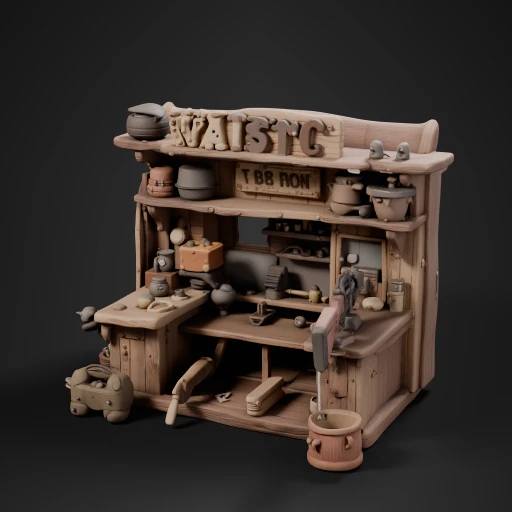 Text → 3Drealistic 3d model of gunsmith store wild west
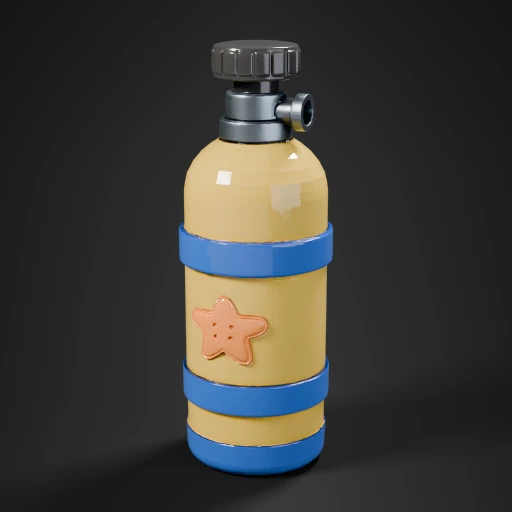 Text → 3DYellow Scuba Tank Starfish
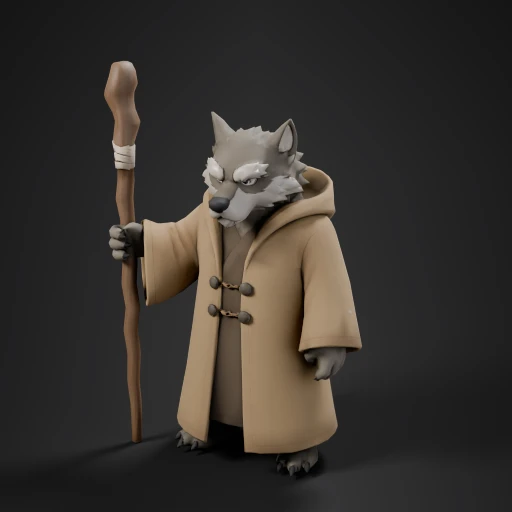 Text → 3DWolf Monk With Staff (Remeshed)
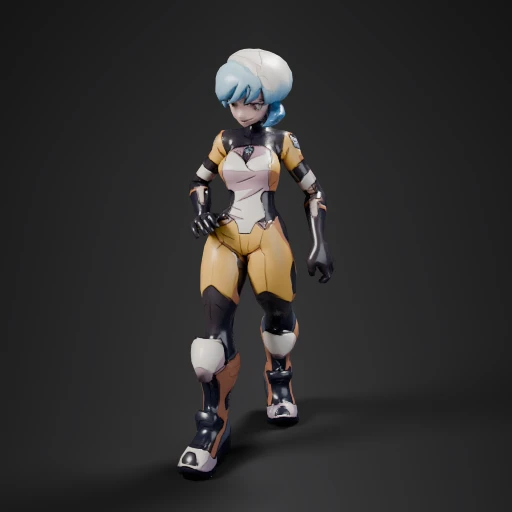 Text → 3DAnime Girl In Sci-Fi Suit
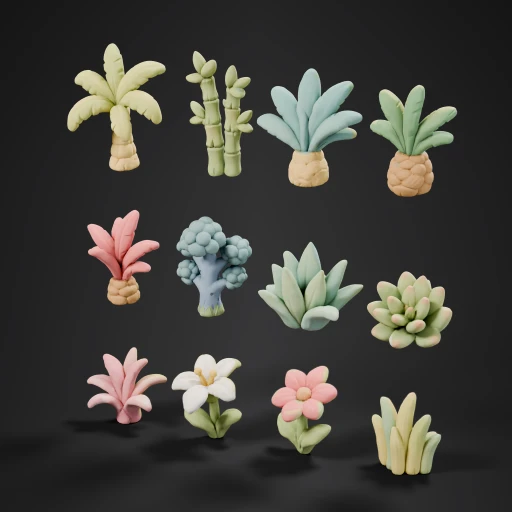 Text → 3DBanana Palm Tree
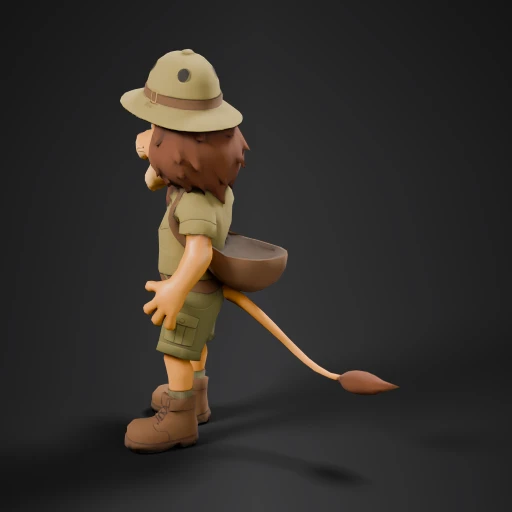 Text → 3DCartoon Lion Safari Guide (Animated: Standing Relax)
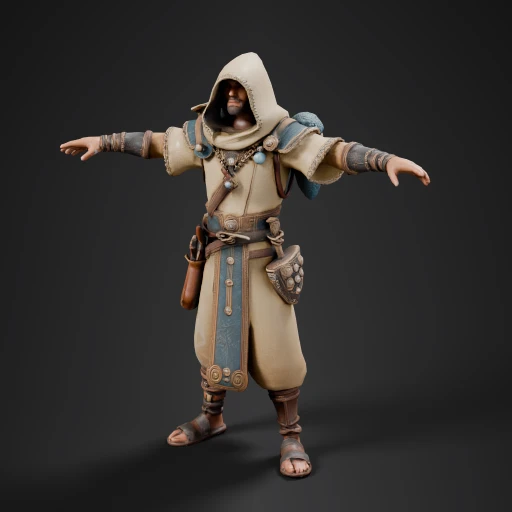 Text → 3DAAA game-ready playable male character for ORITHAL, a 3D isometric Ancient Fanta
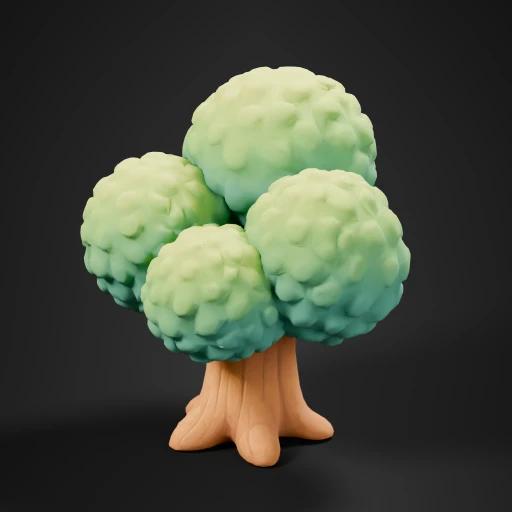 Text → 3DStylized Green Bushy Tree
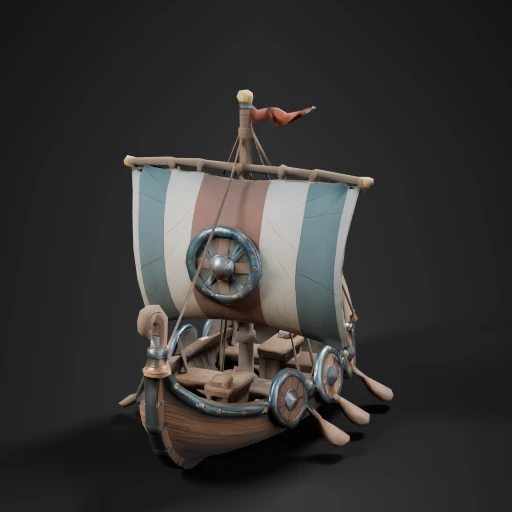 Text → 3Dvalheim style viking boat
 Text → 3DBrazilian Soccer Player Bobblehead
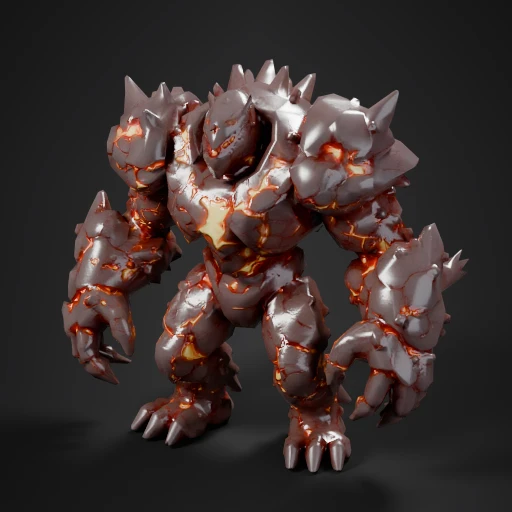 Text → 3DA massive, game-ready 3D monster model of an armored magma golem, with volcanic
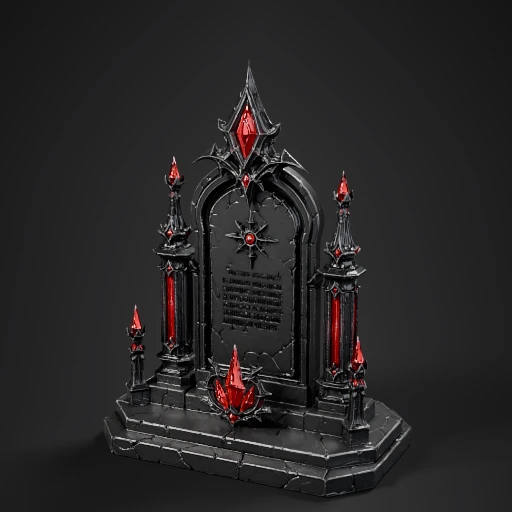 Text → 3DGothic Stone Pedestal with Gems
 Text → 3DStylized Purple Flower
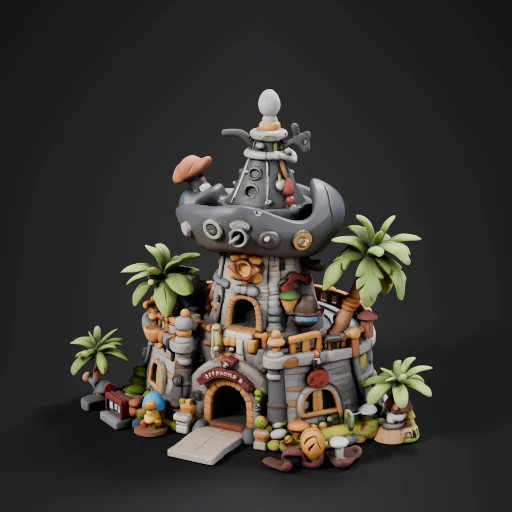 Text → 3Dcreate a pirate village building
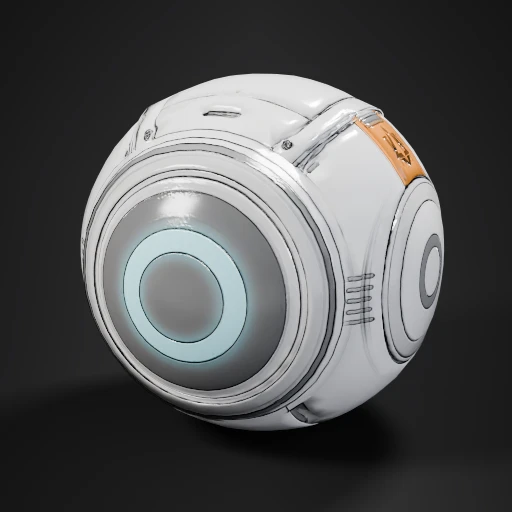 Text → 3DSci-Fi Round Device
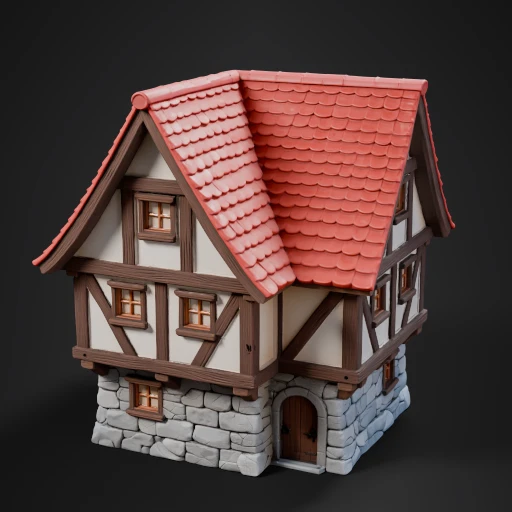 Text → 3DA charming, whimsical two-story medieval-style house with exaggerated, inviting
 Text → 3DA tall, slender anime-style palm tree stands gracefully, its trunk a smooth, war
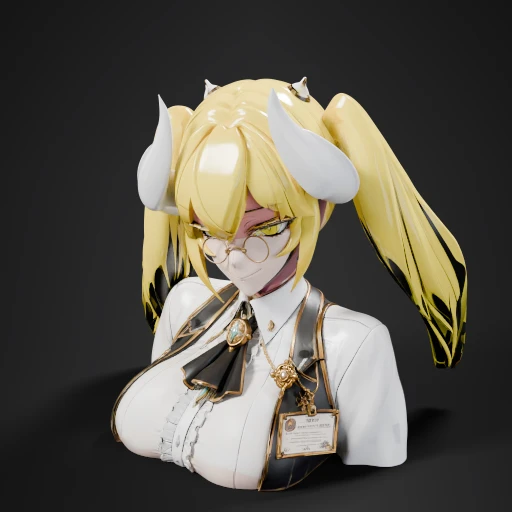 Text → 3DAnime Girl With Horns
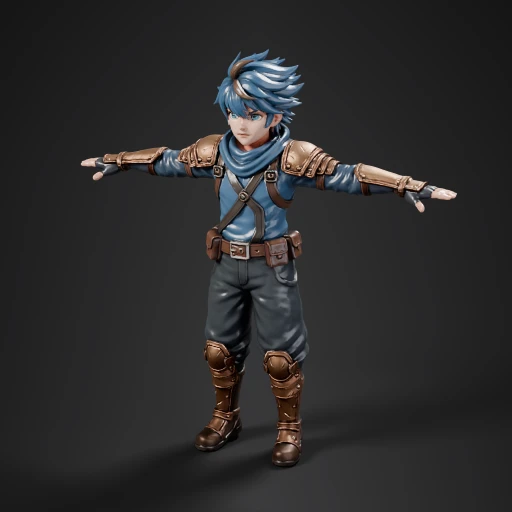 Text → 3DAnime Boy Adventurer Character
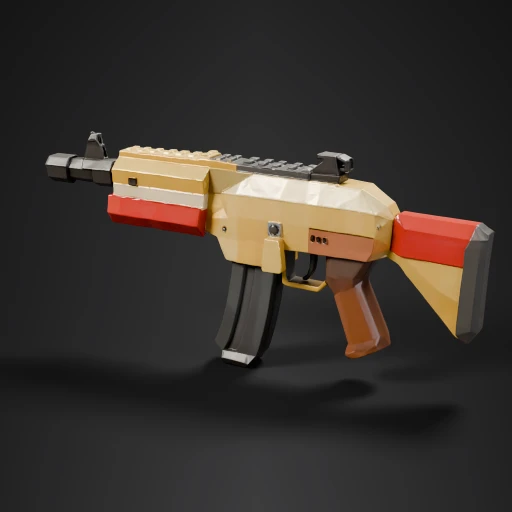 Text → 3DA low poly automatic gun for the use in my low poly fps game
 Text → 3Dlow poly semi automatic pistol, hard surface, clean edges, stylized FPS game wea
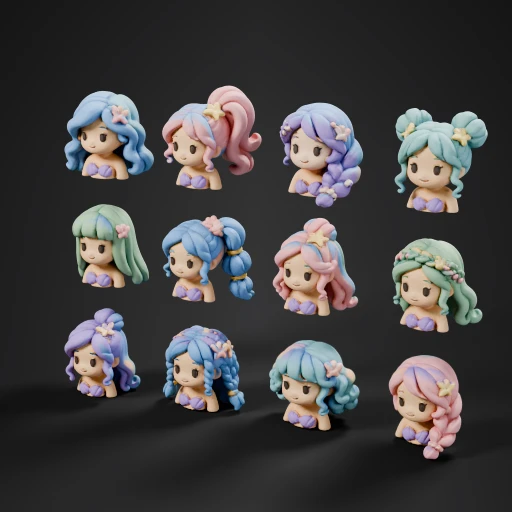 Text → 3DCute Mermaid Hair Styles
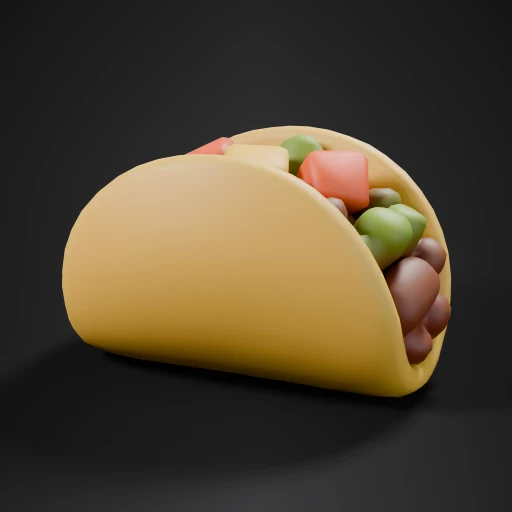 Text → 3DCartoon Taco Filled With Beans
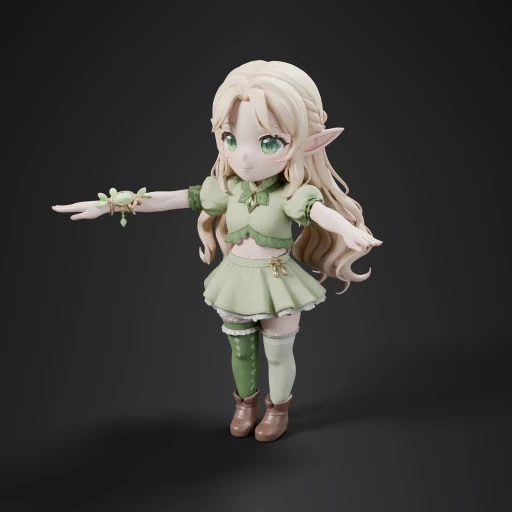 Text → 3DChibi Elf Girl T-Pose
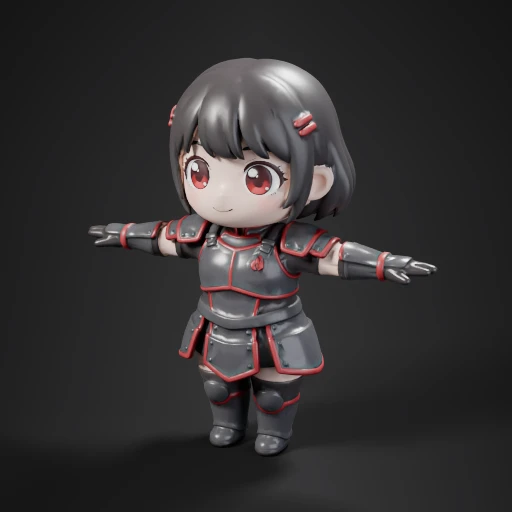 Text → 3DChibi Anime Girl Knight (Remeshed)
 Text → 3DChibi Nun Character
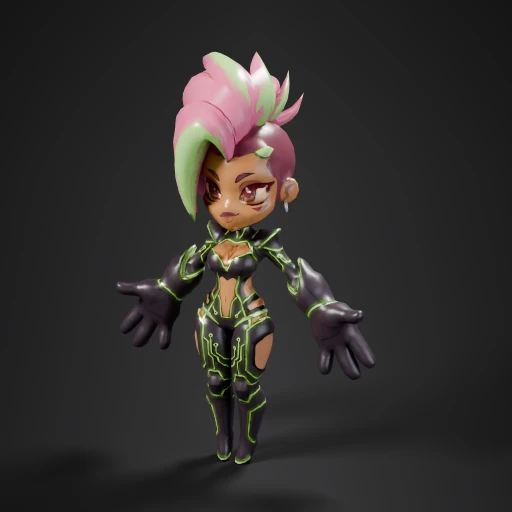 Text → 3DChibi Cyberpunk Girl Character
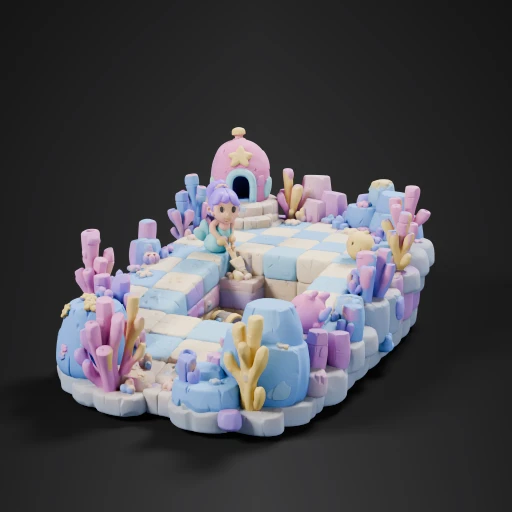 Text → 3DUnderwater Mermaid Treasure Hunt
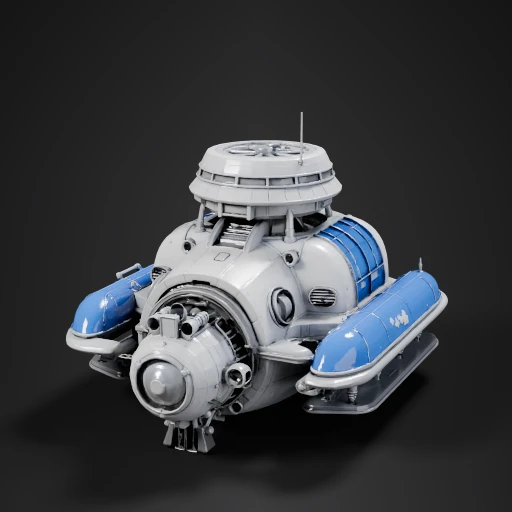 Text → 3Dspacecraft air carrier
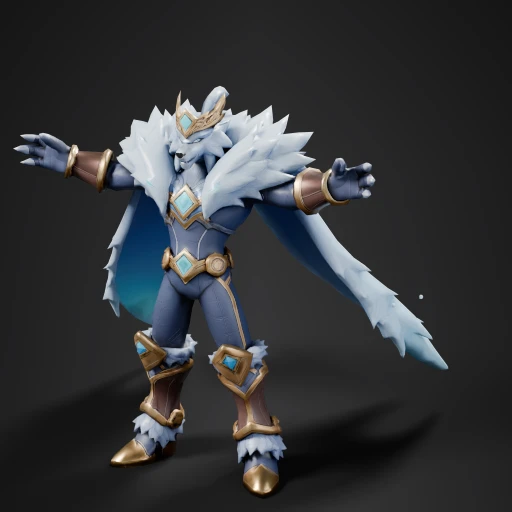 Text → 3DStylized 3D mobile game Frost King character, under 7000 triangles, clean topolo
curl -X POST https://api.picoberry.ai/v1/models/from-text -H "Authorization: Bearer pb_live_…" -d '{"prompt":"armored magma golem, glowing cracks, low-poly","engine":"hunyuan-3.1"}'
Zero to a downloaded asset in four steps.
Get a key
On a paid plan (or after any credit-pack purchase), mint a key in the dashboard and send it as Authorization: Bearer.
Submit a job
POST /v1/models/from-image — or from-text, images. Returns an asset id.
Poll or webhook
Watch GET /v1/assets/{id} until taskStatus: 2, or receive a signed callback.
Download
Pull a signed GLB/FBX URL — or refine with remesh, texture, and rig first.
Full walkthrough in the docs — authentication, async & polling, webhooks.
Every step of the asset pipeline, as an endpoint.
Generate, then refine on the same asset — remesh, retexture, and rig without leaving the API.
Text → Image
Prompt-to-image with reference guidance (up to 4). Feed the result straight into image-to-3D.
Text → 3D
Describe an asset in plain text. Pick an engine and polygon budget; PBR textures by default.
Image → 3D
Turn any image — including your own generations — into a textured mesh.
Remesh
Retopologize to a target triangle or quad count. Keep the look, drop the polycount.
Re-texture
Repaint PBR materials from a prompt or a reference image, in place.
Auto-rig & Animate
Rig humanoids automatically and retarget a walk, run, or idle clip — no manual weights.
Export
GLB, FBX, or OBJ — with a Unity texture preset that ships channel-split maps and a .meta.
Assets & Collections
List, fetch, and organize everything you generate. Signed URLs, ready to download.
Pick the right engine per request.
Set one engine field per job. Each has different strengths — start with a default and switch when a specific look or budget calls for it.
| Engine | Type | Best for | Input | Output | Typical |
|---|---|---|---|---|---|
| Tripo | 3D | Fast, reliable text & image → 3D | text · image | GLB · FBX | ~60–90s |
| Meshy | 3D | Stylized 3D assets | text · image | GLB · FBX | ~2 min |
| Hunyuan3D | 3D | High-detail, sharp geometry | text · image | GLB · FBX | ~2–3 min |
| gpt-image | Image | Precise prompts & reference edits | text · image | PNG | ~20–40s |
| nano-banana | Image | Fast image generation & edits | text · image | PNG | ~10–20s |
| grok-imagine | Image | xAI Imagine — stylized generation & edits | text · image | PNG | ~15–30s |
Typical times are for standard jobs; complex assets take longer. The authoritative catalog and per-model credit cost are always live at GET /v1/models.
From a prompt to a shippable asset.
Fill a scene in minutes
Generate a batch of prop variations from one prompt, remesh each to a ~5k-tri budget, and export Unity-ready GLB — one pipeline, one asset id.
Assets on demand
Produce lightweight, textured, low-poly meshes for AR try-on and world-building, delivered by signed URL your app fetches at runtime.
Product to 3D
Turn one product photo into an interactive 3D preview for web viewers — image-to-3D, remesh to web budget, then export GLB.
A 3D tool for your LLM
Expose PicoBerry as an MCP tool so an agent can create, refine, and download assets on its own — text or image in, GLB out.
Before you integrate.
How do I get access & authenticate?+
Authorization: Bearer pb_live_… (or x-api-key). Free accounts get 403 on /v1 until a payment is on file. See Authentication.Is generation synchronous?+
id with taskStatus: 0. Poll GET /v1/assets/{id} until taskStatus is 2 (succeeded), or register a webhook to be pushed the result.How does billing work?+
GET /v1/credits.What are the rate limits?+
429 with error.code: 10003 — back off and retry.What formats can I export?+
GLB (single file), or FBX / OBJ bundled as a .zip with textures. A Unity preset splits channels and ships a .meta.Can I receive webhooks?+
callbackUrl and webhookSecret on any job; PicoBerry POSTs a signed asset.succeeded / asset.failed event when it finishes. Verify the X-PB-Signature HMAC and dedupe on X-PB-Delivery-Id.Can I choose the engine?+
engine field per job (tripo, meshy, hunyuan-3.1 for 3D; nano-banana, gpt-image, grok-imagine for images), or leave it out to use the default for that job type. The live catalog and per-model cost are at GET /v1/models.What happens when a job fails?+
error.code; see error handling.Can I use this in production?+
How do I test my integration?+
GET /v1/credits.Do you provide SDKs or an OpenAPI spec?+
GET /api-json — import it into Postman or generate a typed client. Language-specific SDKs aren't published yet; the spec generates a client in most languages in the meantime.Who owns the assets? Can I use them commercially?+
Do you store my uploads? How long are assets kept?+
Get your API key.
Sign in to your PicoBerry dashboard and mint a key — it's shown once.
Prefer to explore first? Browse the docs and model catalog.